• AI Agents
  • AI Development
  • Generative AI

AI Assistant for IT Administrators: The Vendor Says How, a Person Says Yes

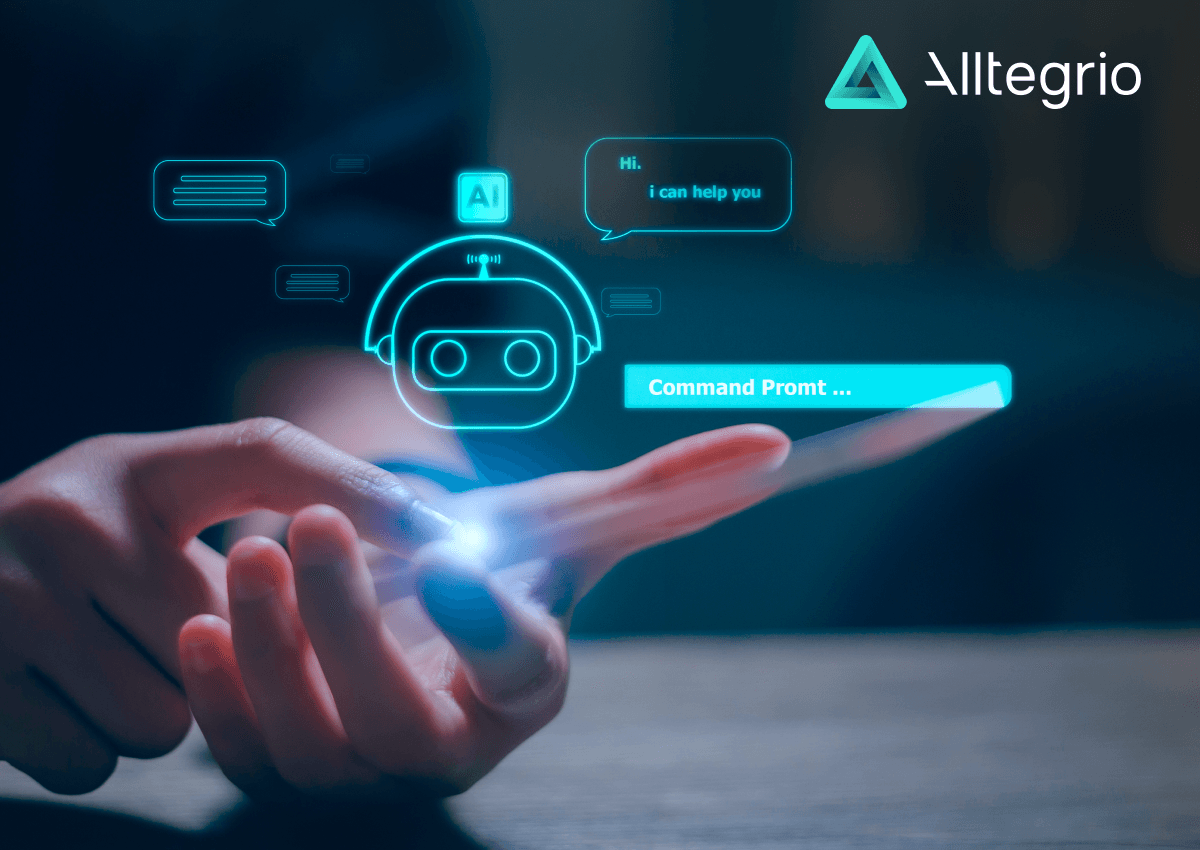
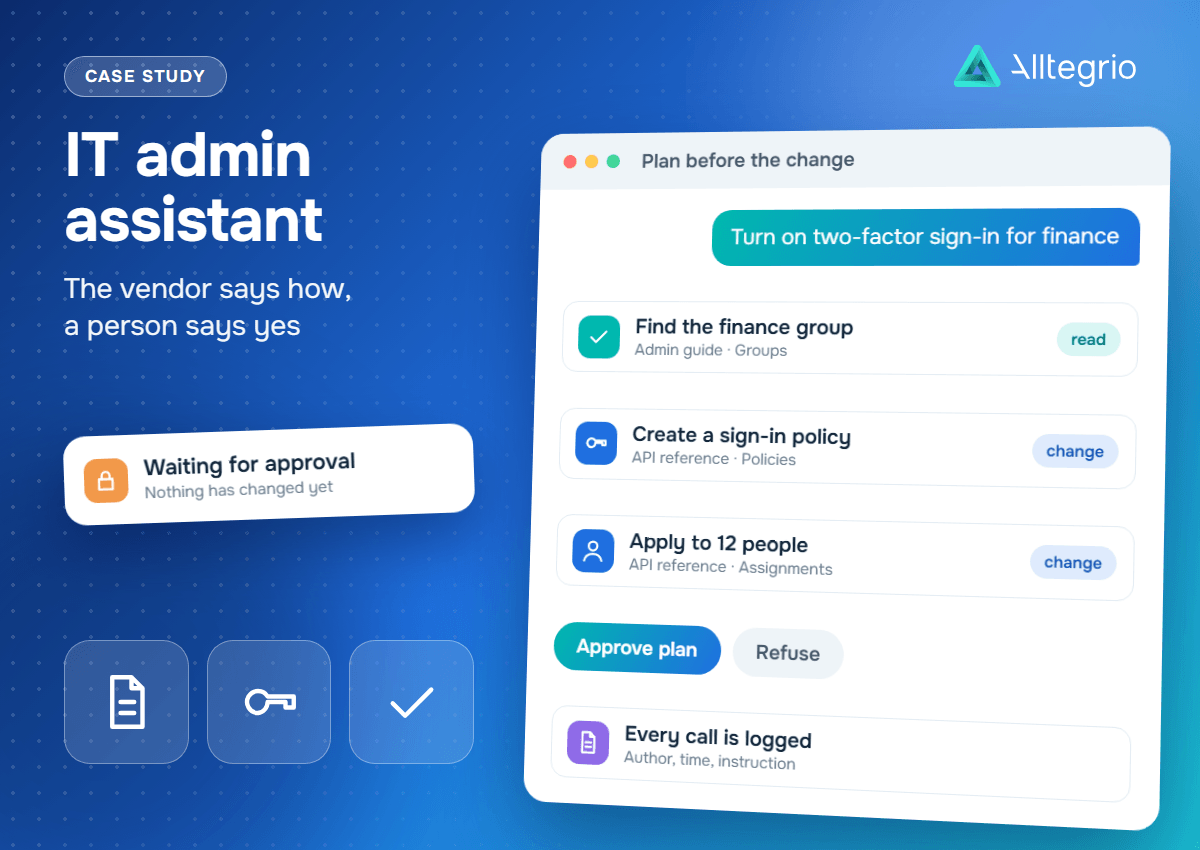
How to set almost any system up, its vendor has already written. Today an administrator finds the right article and walks through it by hand, console by console. This assistant is designed to take that work on. It reads the vendor's instructions, shows a plan and carries it out once a person approves, with rights no broader than that person's.

Facing a similar challenge? Tell us about the task, and we will show how we would build it for your business.

Build Something Like This for Me

Free 30-min call · One-page solution outline within three business days · No commitment

AI Assistant for IT Administrators: The Vendor Says How, a Person Says Yes

Instructions Walked Through by Hand

An API reference, an administrator's guide, step-by-step articles on two-factor sign-in, folder access or a new mailbox: large vendors publish such instructions and keep them current. A person still has to read them. The administrator turns a request into a hunt for the right article, walks through it in a console, moves on to the next system and starts again with other instructions.

Scripts go stale when the vendor changes the procedure. What was changed, and when, is often recalled from memory.

What Usual Automation Gets Wrong

  • Scripts written by hand. Each one is a frozen copy of an instruction. The procedure changes, and the script silently stops working or does the wrong thing.
  • A model answering from memory. It remembers how the system used to be set up and confidently offers settings the current version no longer has.
  • A bot with a service key. A shared account with broad rights does what the administrator personally may not, and the system's log sees the bot rather than the person.
  • Changes without approval. A mistake in access settings is found when someone can no longer sign in.
  • A tool per system. Ten systems bring ten automation tools, each with its own rules to learn.

From a Request to an Approved Change

The assistant is connected to the vendor's published documentation and to the system's interface. Every request takes the same path.

  1. Request. The administrator names the goal in words: "Turn on two-factor sign-in for the finance department."
  2. Instructions. The assistant finds what the vendor says about it now. Where an article describes clicks in a console, the matching call from the API reference stands beside it.
  3. Plan. It shows the steps, the system, the values and the instruction each step relies on.
  4. Approval. A person sees what will change and agrees, or refuses.
  5. Execution. The approved steps run through the system's API, and every call is logged.

Questions that only read the system need no approval: why a user cannot sign in, or who has access to a shared folder.

The company's own rules sit on top as plain text, such as "shared folders are named after the department". A company rule may narrow what the vendor allows, never go beyond it.

Technology Stack

Large language modelsModel Context ProtocolVendor documentation and APIsOn-behalf-of sign-inAudit log

Four Principles of Control

The vendor says how. A person says yes.

  • The vendor's instructions are the source of truth. The assistant relies on the current documentation, not on what a model remembers.
  • Reading is free, changing waits for approval. No change reaches a system until a person has seen the plan and agreed.
  • No more rights than the person's. Where the system supports it, the assistant signs in on the person's behalf. Where only keys exist, it uses a key no broader than that administrator's rights.
  • Everything can be traced. Every call, approval, refusal and change goes into the log, with its author and instruction.

One Assistant, Many Systems

Three parts make up the assistant: the vendor's instructions, access to the system's interface and the company's rules. A new system brings new instructions and new access, and the assistant stays the same.

Employee mail and accounts, cloud resources, a help desk, an accounting or customer system, an AI agent platform: the design covers systems with a documented interface.

Limits Set in the Design

The assistant is designed within these limits.

  • No change without a person's approval.
  • No rights beyond the administrator's own.
  • The plan visible before a change: steps, values and the instruction behind each step.
  • No call or decision outside the log.
  • When a vendor updates its instructions, the next plan follows the new version.
  • Company rules in plain text, changed without a release and applied from the next request.

Teams With Many Systems and Few Administrators

The same signs appear in many IT teams:

  • administrators spend much of the day walking through other people's instructions;
  • there are more systems than people who remember how to set each one up;
  • automation scripts break after vendor updates;
  • requests arrive in words, not as tickets with parameters.

A first stage only reads: why a user cannot sign in, who has access, what is switched on. Changes in one system come next, each after approval, and then further systems one at a time. The assistant can run on an agent platform with sign-in, roles and one exit to the models, such as our own AI agent platform. The glossary covers the Model Context Protocol and human-in-the-loop, and our AI agent development and AI security pages describe the work behind it.

0

changes without a person's approval, by design

1

assistant designed to work across all the administrator's systems

100%

of calls, decisions and changes designed to be logged
Other cases

AI Agent Platform With Governed Model Access: Many Agents, One Runtime

AI Agent Platform With Governed Model Access: Many Agents, One Runtime

Read more ›
AI Candidate Screening That Checks CV Claims Against Public Evidence

AI Candidate Screening That Checks CV Claims Against Public Evidence

Read more ›
ChatGPT-Powered Content Generation Platform

ChatGPT-Powered Content Generation Platform

Read more ›
AI Data Analyst in Microsoft Teams: Answers From Live Operational Data

AI Data Analyst in Microsoft Teams: Answers From Live Operational Data

Read more ›
AI Data Verification Layer for Property Data: Rules First, a Person on Borderline Cases

AI Data Verification Layer for Property Data: Rules First, a Person on Borderline Cases

Read more ›
AI Delegation Agent for Executive Teams: Assignments, Statuses and Scores in One Loop

AI Delegation Agent for Executive Teams: Assignments, Statuses and Scores in One Loop

Read more ›
AI Image Annotation Solution for Medical Assessment

AI Image Annotation Solution for Medical Assessment

Read more ›
ML/Computer Vision + Data Annotation for ADAS

ML/Computer Vision + Data Annotation for ADAS

Read more ›
AI/ML-Driven Telecom Network Optimization

AI/ML-Driven Telecom Network Optimization

Read more ›
Custom GenAI Medical Drug Search Accelerator

Custom GenAI Medical Drug Search Accelerator

Read more ›
ML/Computer Vision-Powered Data Annotation for Sports

ML/Computer Vision-Powered Data Annotation for Sports

Read more ›
OCR Retail Receipt Data Extraction Tool

OCR Retail Receipt Data Extraction Tool

Read more ›
Computer Vision + Image Annotation for Insurance

Computer Vision + Image Annotation for Insurance

Read more ›
AI Presale Assistant for a Marketing Agency: From Meeting Transcript to Sourced Draft

AI Presale Assistant for a Marketing Agency: From Meeting Transcript to Sourced Draft

Read more ›
AI Pricing Engine for an Equipment Distributor: The Model Proposes, a Person Approves

AI Pricing Engine for an Equipment Distributor: The Model Proposes, a Person Approves

Read more ›
AI Trade Contractor Sourcing: Verified Profiles and Pre-Screening for a Home Builder

AI Trade Contractor Sourcing: Verified Profiles and Pre-Screening for a Home Builder

Read more ›
Cinema Scheduling and Pricing Optimization: A Week of Showtimes, Computed

Cinema Scheduling and Pricing Optimization: A Week of Showtimes, Computed

Read more ›
Computer Vision + ChatGPT-Powered Recommendations

Computer Vision + ChatGPT-Powered Recommendations

Read more ›
Data Annotation for AI-Driven Sports Analytics

Data Annotation for AI-Driven Sports Analytics

Read more ›
Generative AI Bot for Customer Service

Generative AI Bot for Customer Service

Read more ›
Generative AI Solution for Code Compliance

Generative AI Solution for Code Compliance

Read more ›
SaaS Marketing Content Generation Platform for Healthcare

SaaS Marketing Content Generation Platform for Healthcare

Read more ›
Interactive Chatbot with an Animated Avatar

Interactive Chatbot with an Animated Avatar

Read more ›
Managed Video Annotation Pipeline for a Client's Own Human-Motion Footage

Managed Video Annotation Pipeline for a Client's Own Human-Motion Footage

Read more ›
ML/AI Technical Due Diligence for Startup Acquisition

ML/AI Technical Due Diligence for Startup Acquisition

Read more ›
OCR Solution for Invoice Processing

OCR Solution for Invoice Processing

Read more ›
Property Management Platform With an AI Voice Assistant for Multiple HOAs

Property Management Platform With an AI Voice Assistant for Multiple HOAs

Read more ›
AI-Powered Platform for Real Estate

AI-Powered Platform for Real Estate

Read more ›
AI Assistant for Report Generation & Visualization

AI Assistant for Report Generation & Visualization

Read more ›
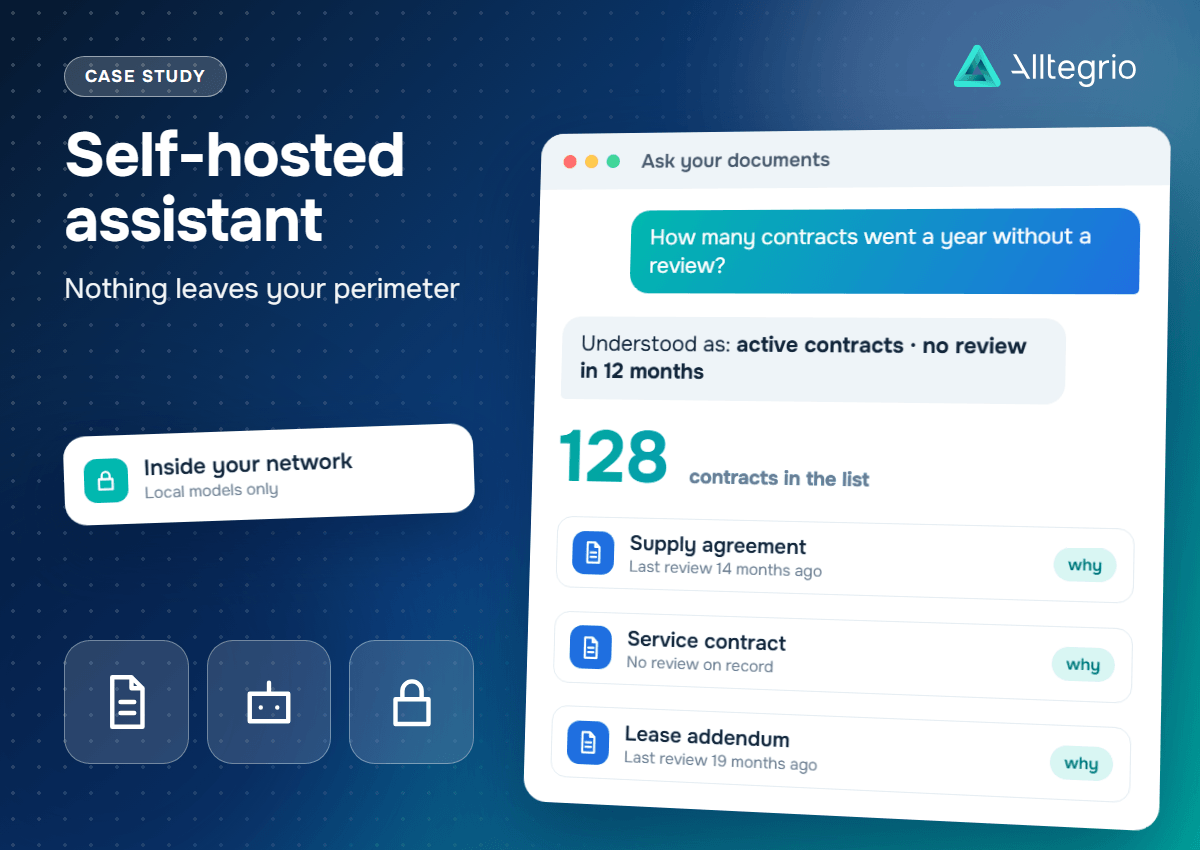
Self-Hosted AI Document Assistant: Nothing Leaves Your Perimeter

Self-Hosted AI Document Assistant: Nothing Leaves Your Perimeter

Read more ›
Sitecore Migration

Sitecore Migration

Read more ›
ML/AI Technical Due Diligence for SporTech

ML/AI Technical Due Diligence for SporTech

Read more ›
Voice Interview to Social Posts: AI Content in the Professional's Own Voice

Voice Interview to Social Posts: AI Content in the Professional's Own Voice

Read more ›

Let's talk about your project

We'll help you harness AI and ML technologies to create innovative software solutions

File requirements: pdf, doc, docx, rtf, ppt, pptx — max 15 MB

No file selected